. Dashboard
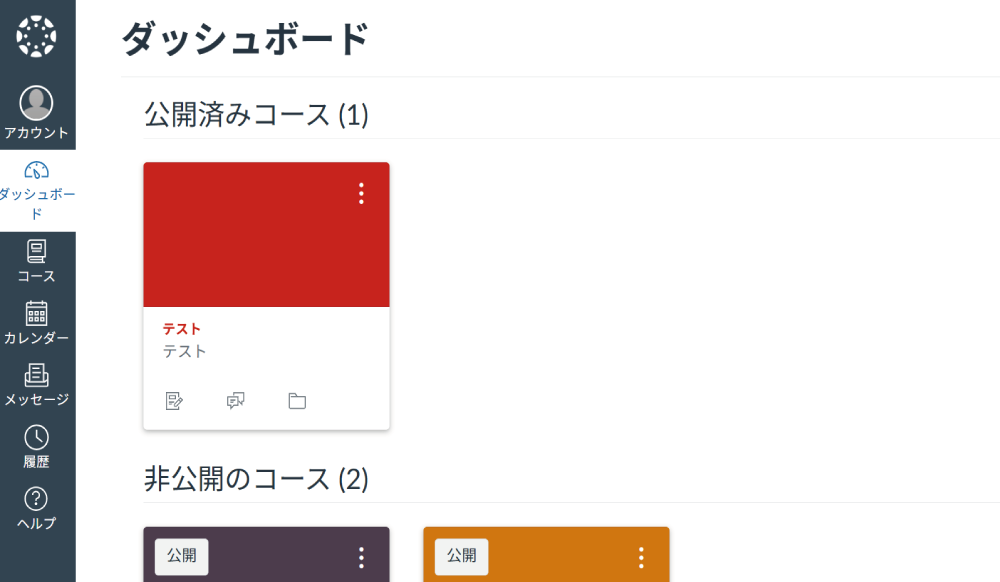
When you log in to Tohoku University Canvas LMS, the Dashboard will be displayed.
The Dashboard provides a centralized view where you can see the list of your enrolled courses, announcements, and other relevant information.
. Global Navigation
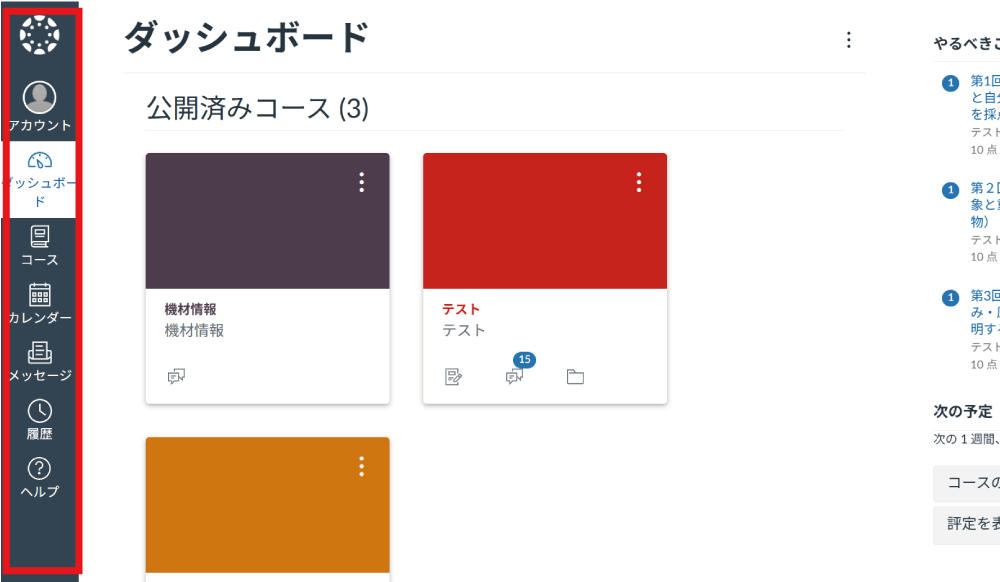
The Global Navigation on the left side of the screen serves as the main menu.
(1) Account
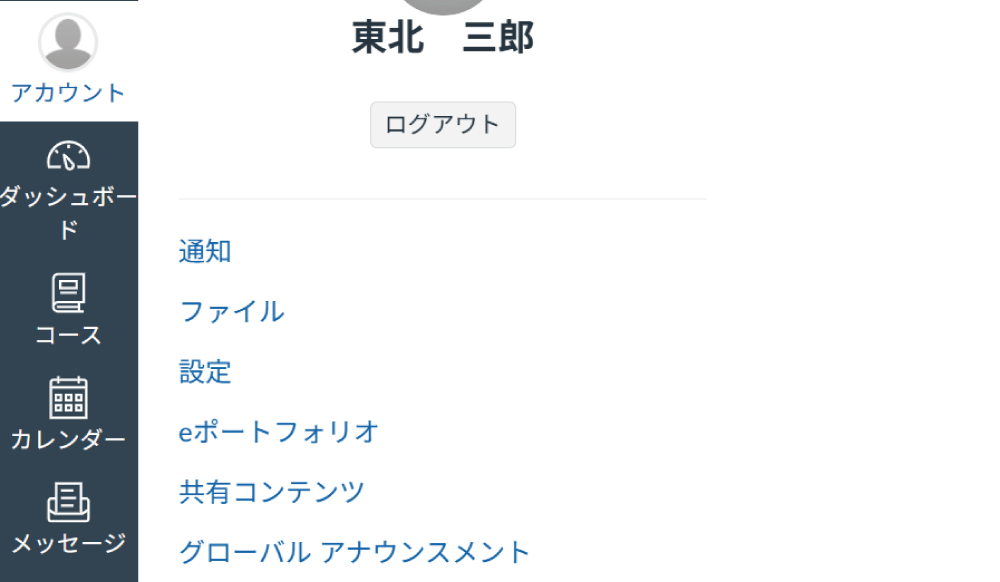
You can manage various settings for the logged-in user.
(2) Calendar
Items with due dates or specific deadlines, such as assignments and quizzes, are displayed here.
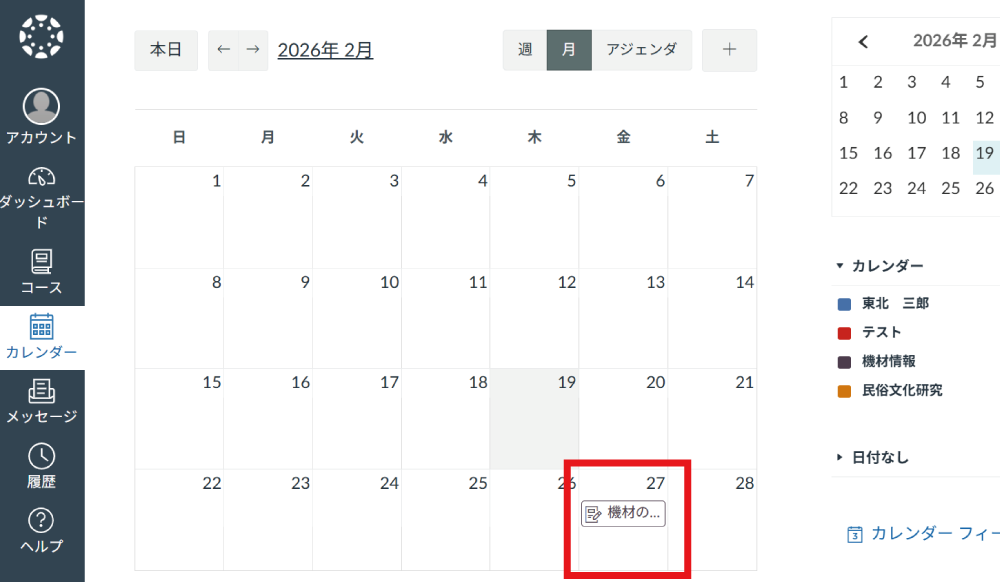
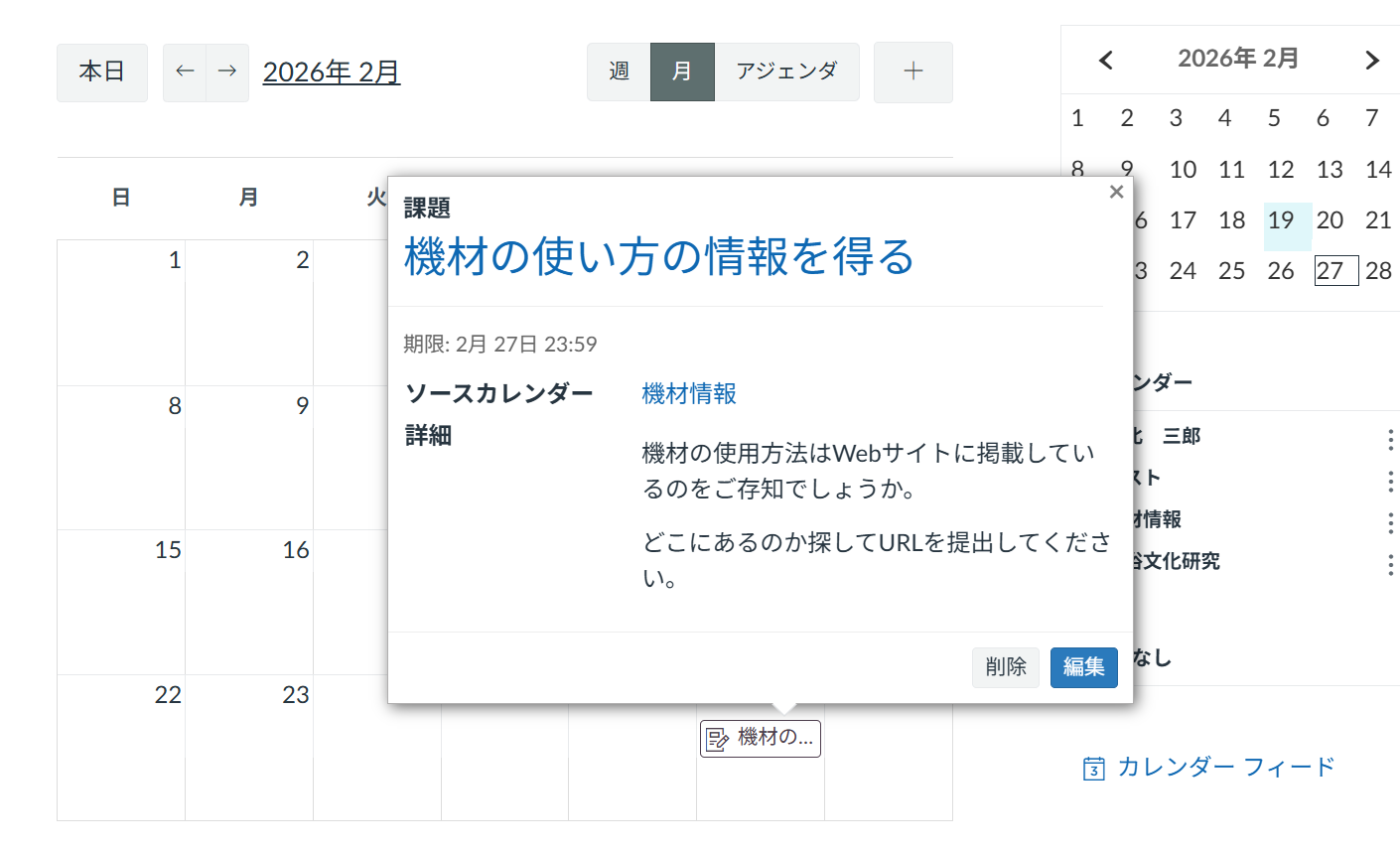
By clicking on an event in the calendar and selecting "Edit", you can modify the details of that event.
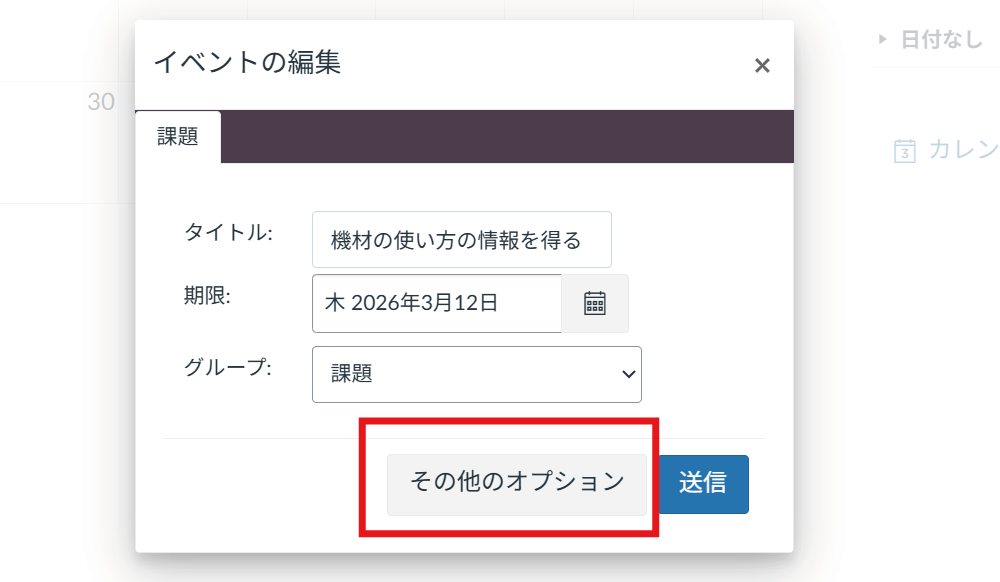
You can set the title, due date/time, and group. If no groups are configured, additional options will not appear. Clicking "More Options" will take you to the detailed settings screen for the event itself. (Since the example shown in the image is an assignment, it navigates to the assignment settings screen.)
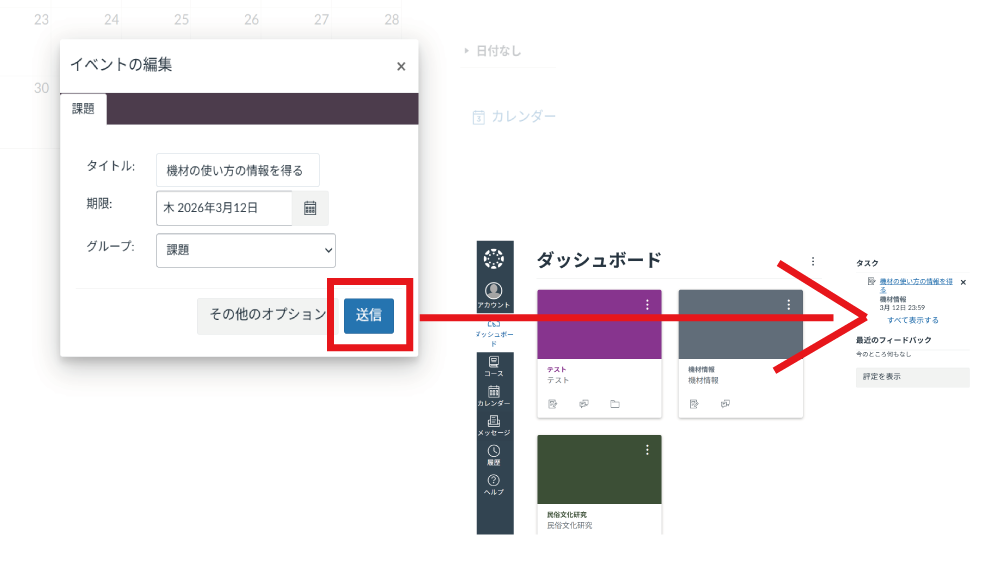
If you click "Submit" without selecting "More Options", the settings configured in the "Edit Event" dialog will be saved. Once saved, the information will appear under the To-Do list in the sidebar on the right side of the Dashboard.
. Course Navigation
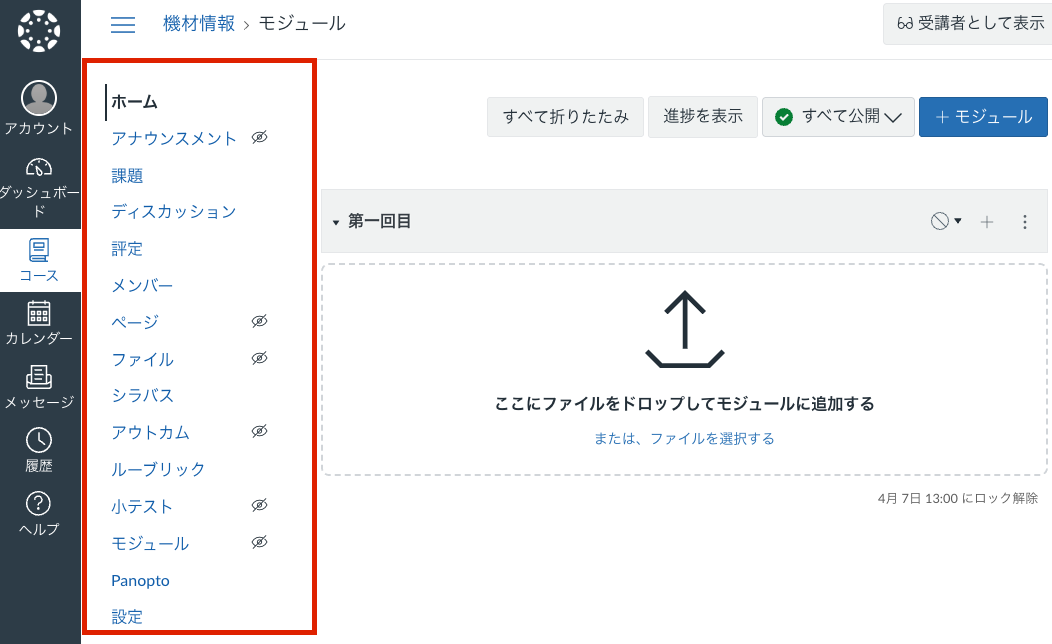
When you open a course from the Global Navigation or the Dashboard, a menu of features will appear to help you build and organize your course, including course materials, grades, and modules.