. How to Log In
Access the Tohoku University Canvas LMS URL and log in.
Log in using the same procedure as accessing Tohoku University Mail via webmail (Gmail).
Logging in requires your Tohoku University email address and password. Furthermore, depending on Google's security settings, two-step verification (such as a verification code sent to your smartphone or authentication via Google Authenticator) may be required.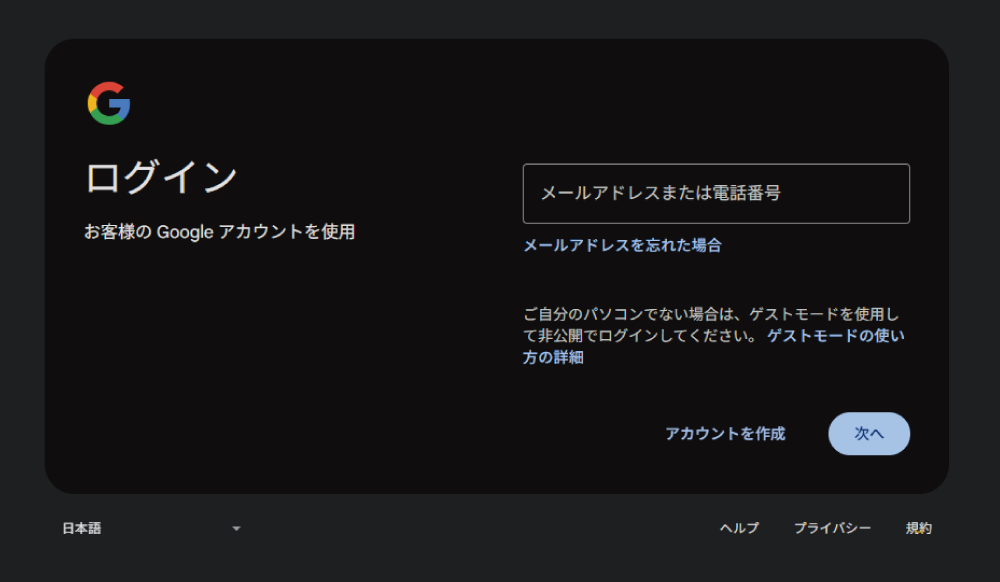
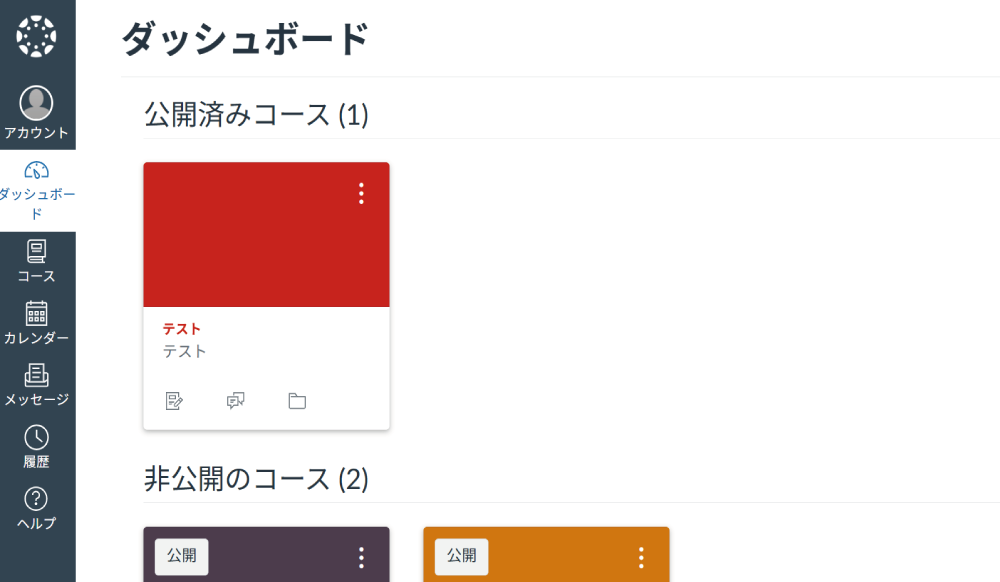
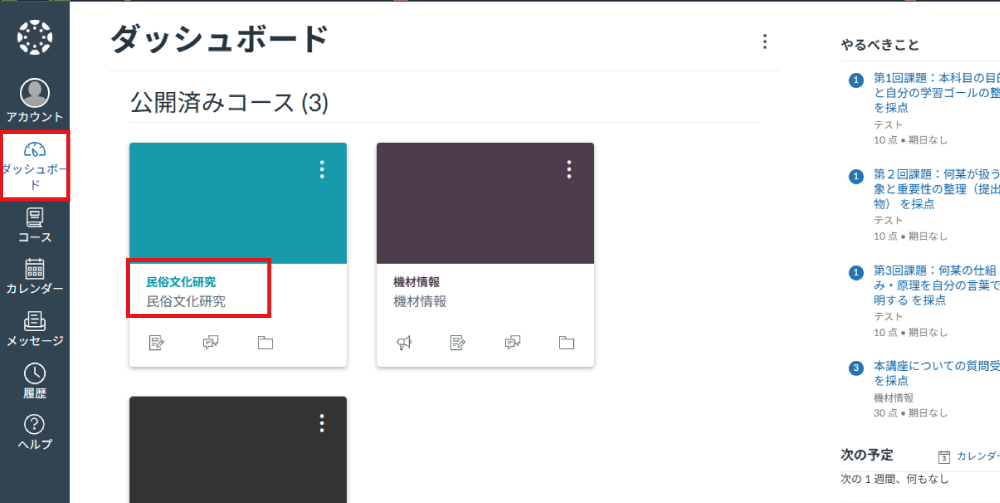
Upon successful login, the Dashboard will be displayed by default. You can confirm your assigned courses by clicking "Dashboard" in the left navigation menu.
. If a 403 Error Occurs
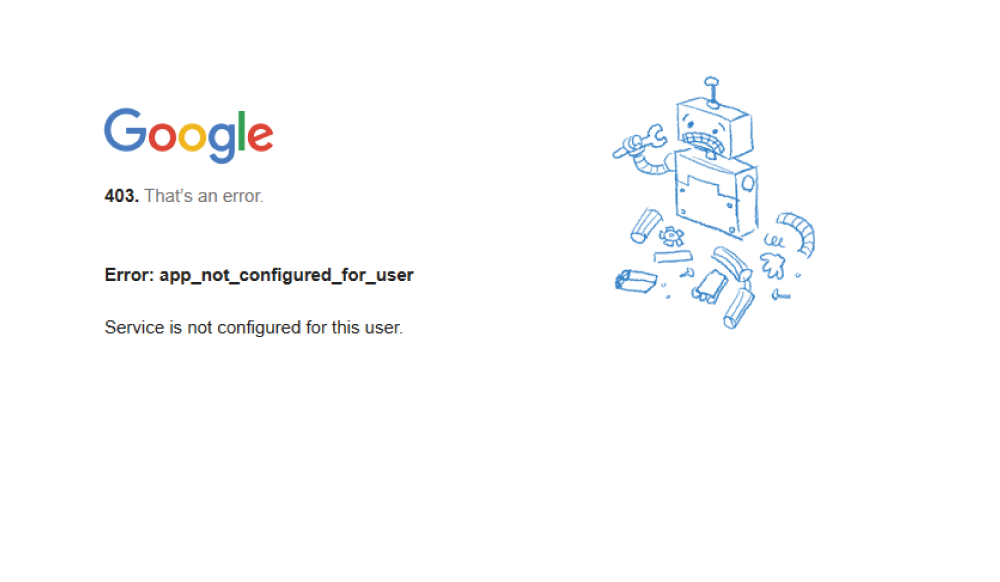
If you are using Google Chrome, please make sure that the Google account used to log in matches your Tohoku University email address. If they do not match, a "403" error may occur during login.
. Publishing Required Courses
When you log in to Canvas LMS, the Dashboard is displayed by default. Click on any course title you wish to access.
This may vary if you have customized the course navigation.
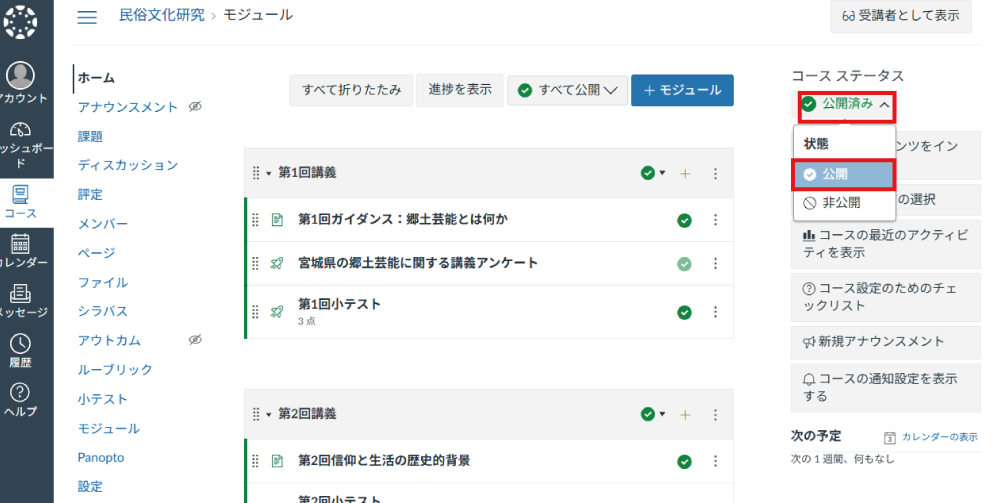
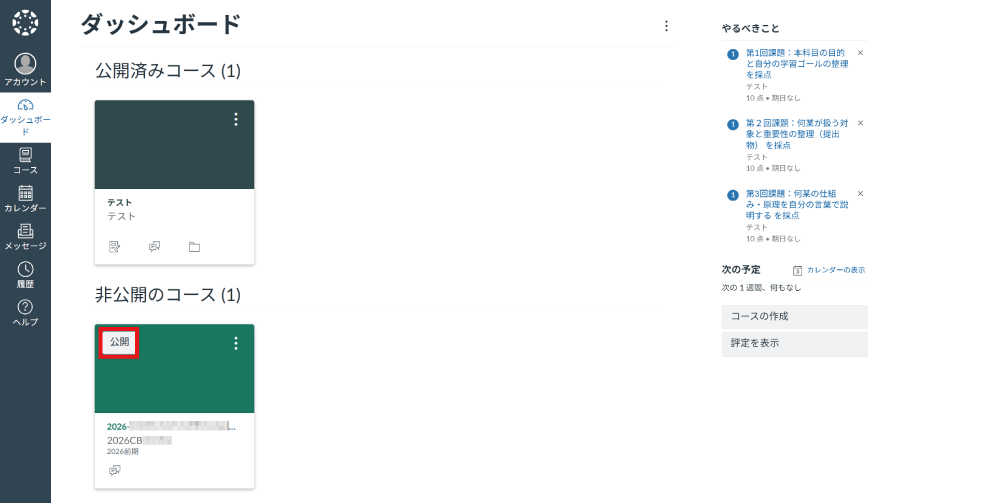
Courses automatically generated through integration with the Academic Affairs System are unpublished by default. Please click "Publish" at your convenience to make them available.
When you click on a course name, you can publish it from the Course Status. (The image shows an example where 15 weeks of modules were created and learning materials such as pages and assignments were added before publishing.)