. Creating Pages
In Canvas LMS, you can change the display language of the interface.
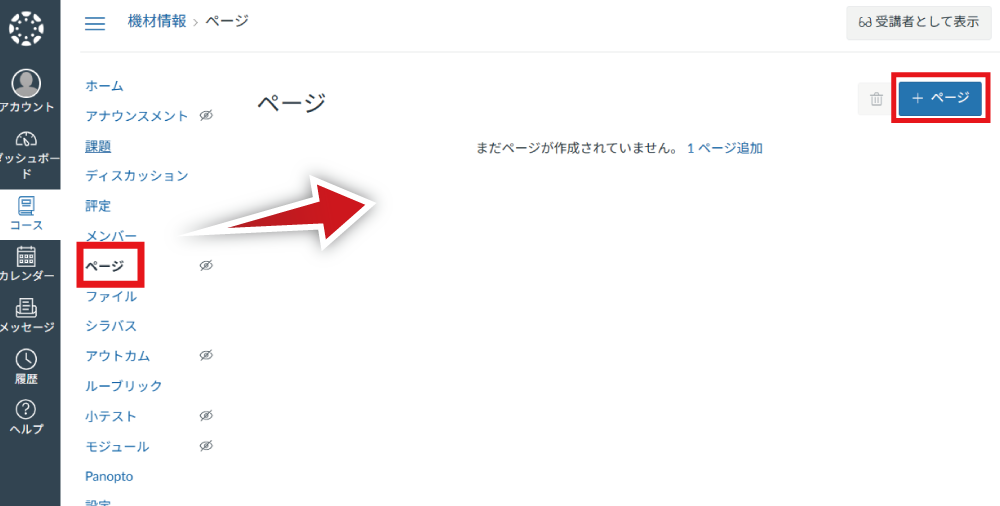
Select "Pages" in the Course Navigation and click "+ Page".
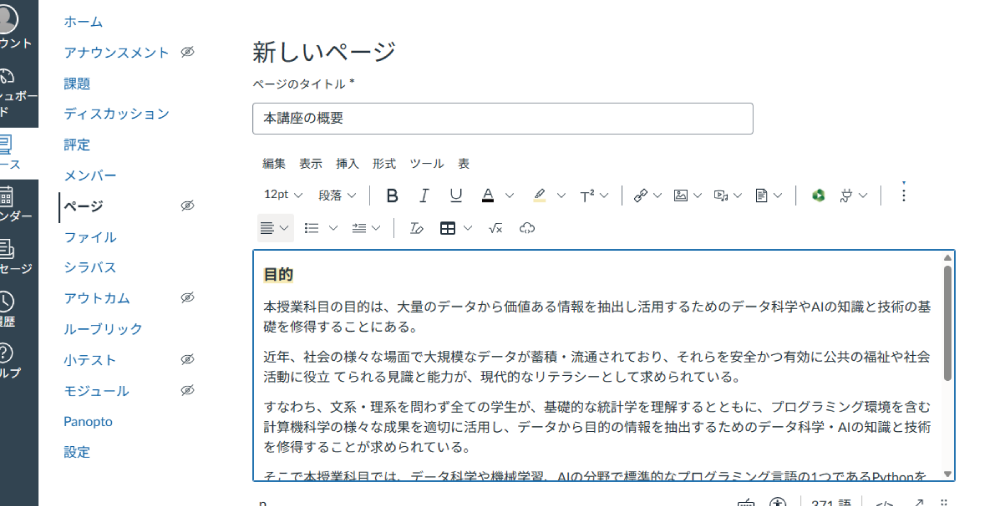
Enter the title and content in the text area.
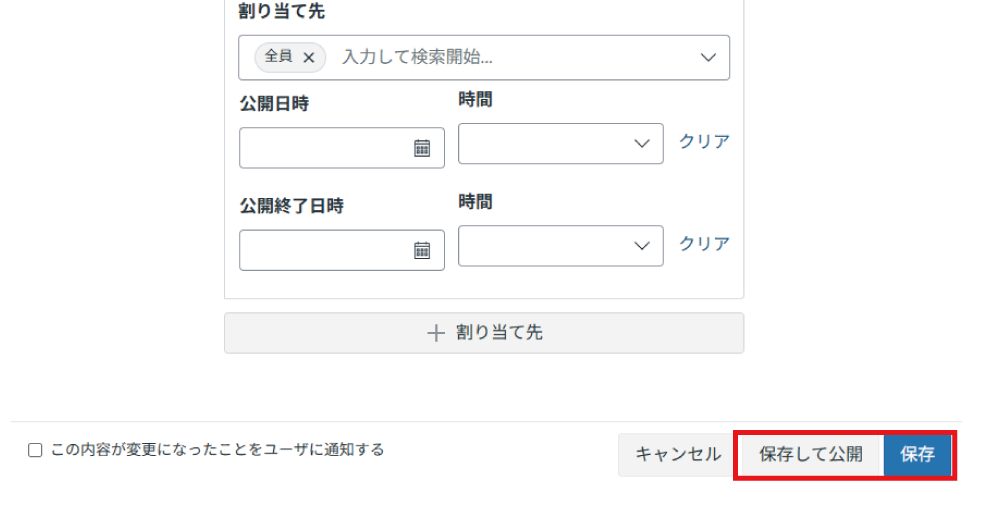
When you are finished, click "Save". If you want to make it accessible immediately, click "Save & Publish".
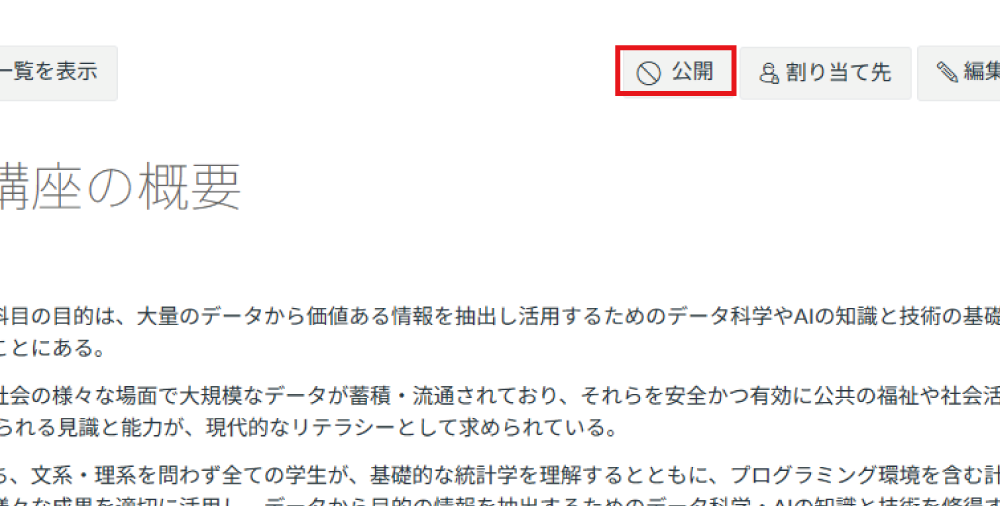
Clicking "Save" displays the created page. If you want to make it visible to students, click "Publish".
You can also set the published or unpublished status after adding it to a module.
. Editing Pages
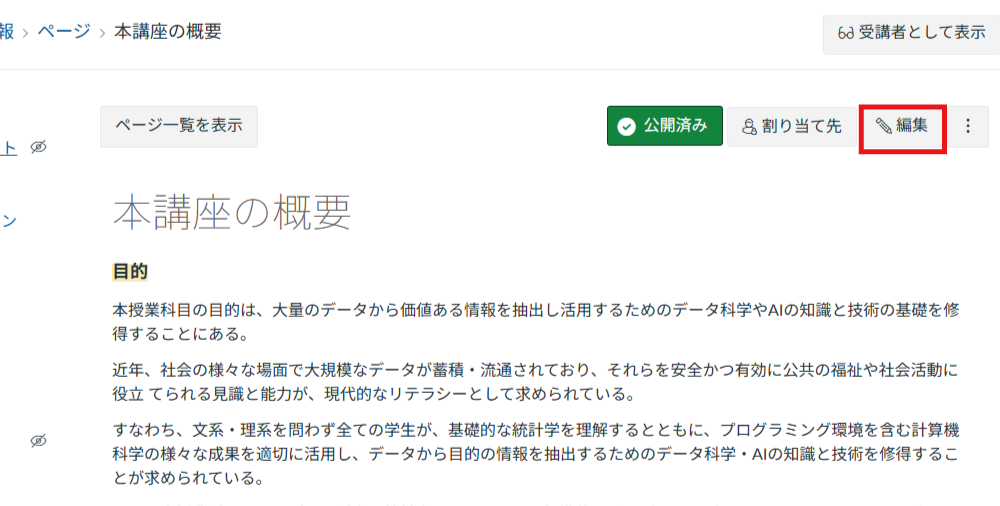
To edit a page, click "Edit" in the upper right corner and modify or add content on the editing screen.
. Deleting Pages
To delete a page, click the three vertical dots in the upper right corner and select "Delete".
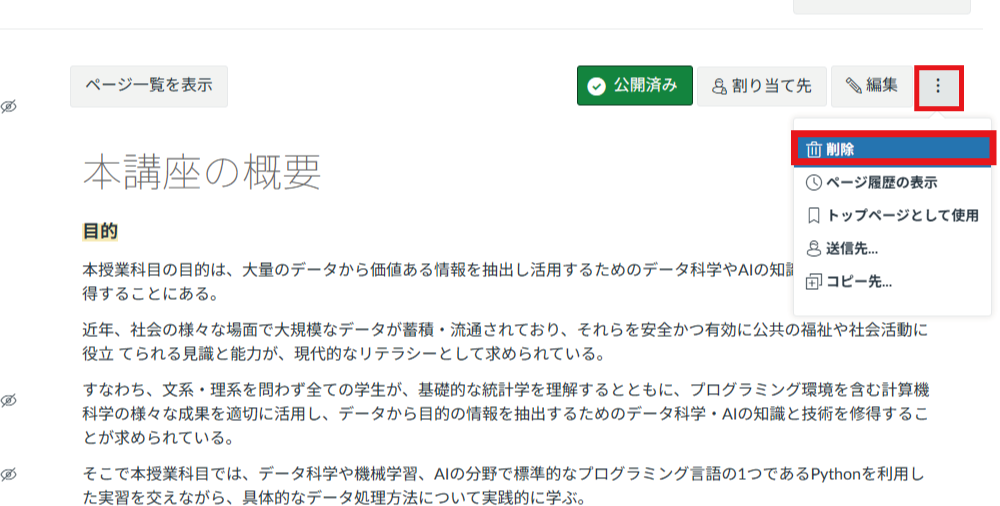
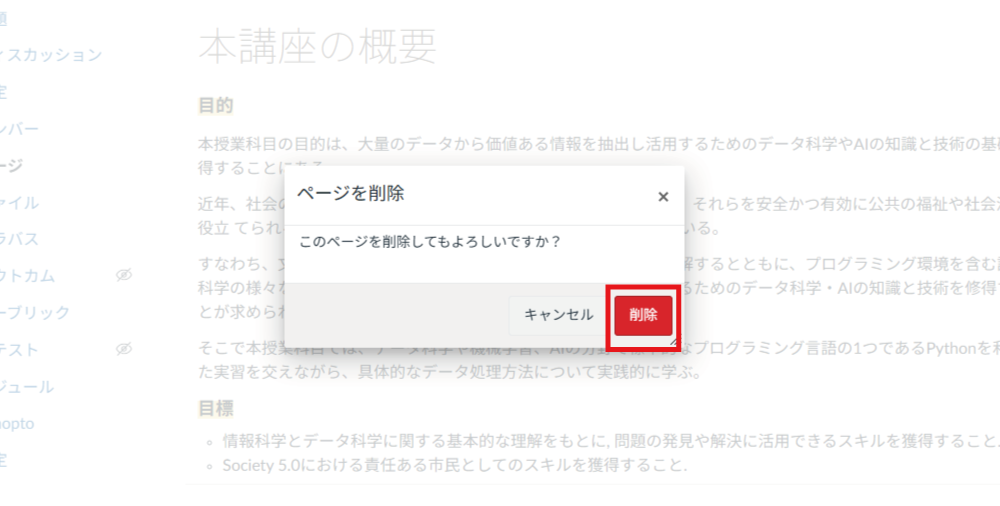
Click "Delete".