. Rich Content Editor Overview
Text entered in Canvas LMS text areas for instructions, such as in assignments and quizzes, can be formatted using the Rich Content Editor. You can make instructions easier to read by emphasizing text, changing colors, and more.
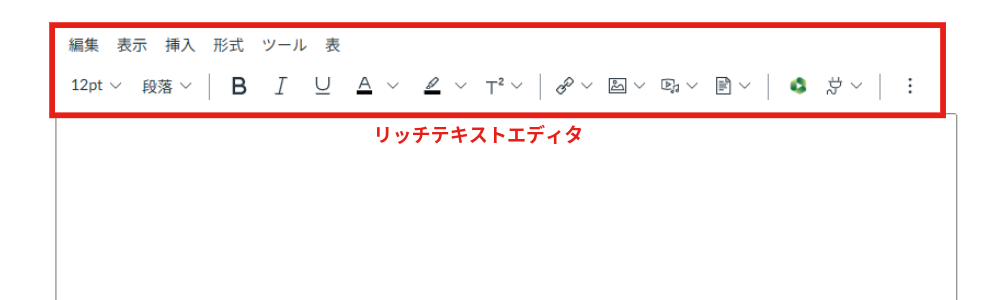
From the menu bar, you can use almost the same functions as the toolbar below it.

You can change the formatting.

You can insert links, images, media, and documents.

You can embed videos uploaded to Panopto.

Depending on the screen size, the rest of the toolbar may be hidden. Clicking the three vertical dots displays the hidden tools.
These include changing paragraph formats, adding tables, and inserting math equations.
